IT Support
Implementation of a Biometric E-Attendance System at Local Government Offices and Government Schools
Digitized Attendance and Better Monitoring by introducing Biometric E-Attendance System in all Local Government Offices, Ward Offices and Government Schools.
June 2, 2026•Updated October 17, 2026
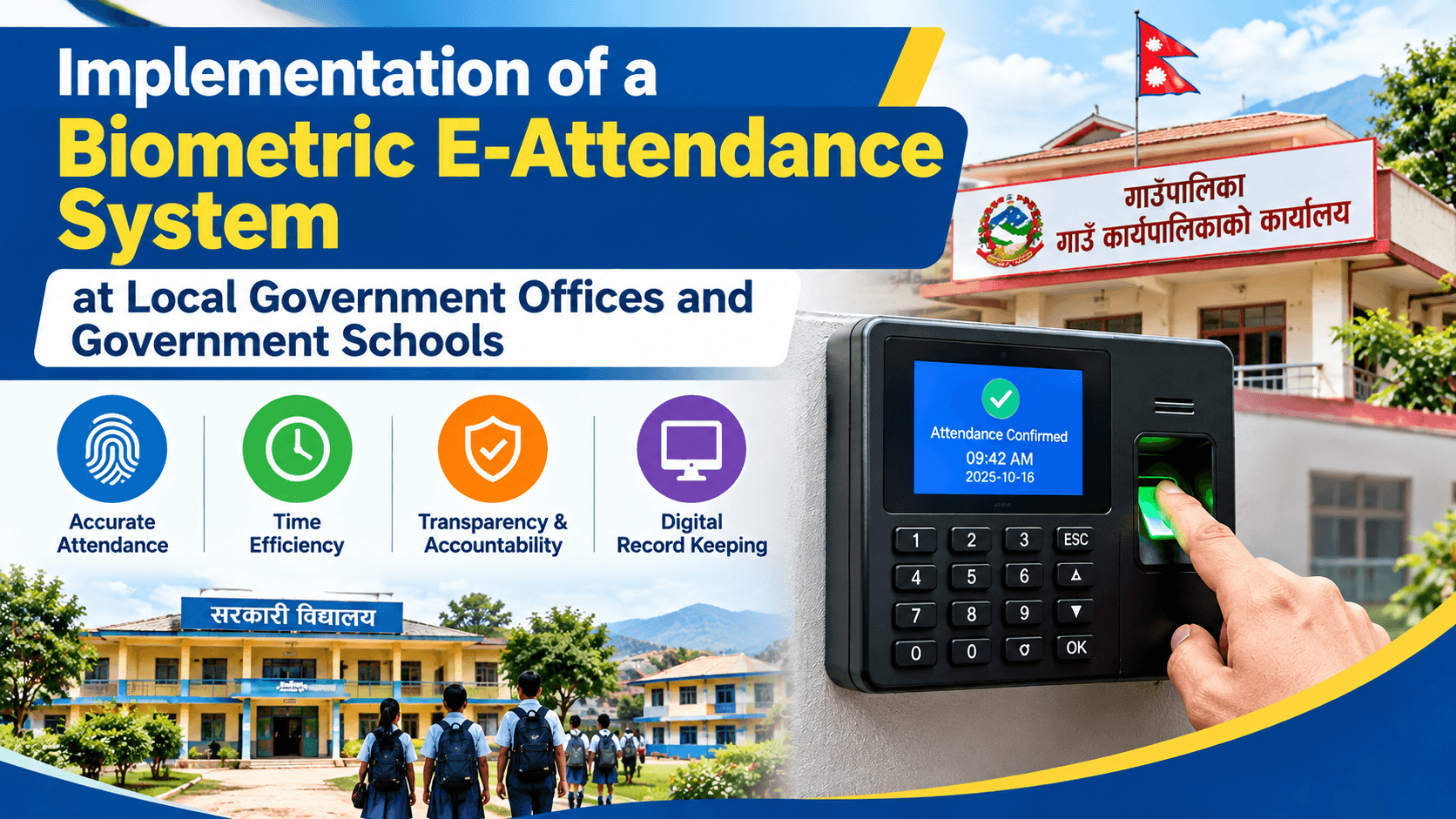
Digitized Attendance and Better Monitoring by introducing Biometric E-Attendance System in all Local Government Offices, Ward Offices and Government Schools.
1. Introduction
On December 2025 (2082 BS), Siddhalek Rural Municipality implemented a digital biometric attendance system to improve the accuracy, transparency, and efficiency of managing employee attendance over the conventional manual attendance register. Locally, the system is referred to as E-Hajiri. The E-Attendance system was developed and provided through the Department of Information Technology (DoIT), Government of Nepal.
One major benefit for local governments is that municipalities can take advantage of the government system and infrastructure provided centrally, without having to create and maintain a separate attendance platform from their own budget.The initiative in Siddhalek Rural Municipality came about as part of the municipality’s move toward digitizing attendance records and establishing a more systematic way of tracking attendance in its offices and public institutions. As the municipality’s IT Officer and system Super Admin, I was responsible for the technical implementation and day-to-day administration of the system – from initial configuration and data preparation, to biometric enrollment, network connectivity, training, troubleshooting, monitoring and ongoing technical support.
2. The Need for Digital Attendance
Before E-Attendance was introduced, attendance management was almost entirely manual and based on registers. Manual attendance may work for a single office but it becomes more and more difficult to manage when employees and teachers are located in many offices and institutions. The Siddhalek Rural Municipality functions through the central municipal office, 7 Ward Offices, health institutions and a system of public schools. There were several practical difficulties in managing attendance information across these sites:
Maintaining and storing physical attendance registers,
Difficulty in centrally monitoring attendance,
Time-consuming preparation and verification of attendance reports,
Difficulty tracking check-in and check-out times,
Attendance records distributed across multiple offices and institutions,
Greater possibility of manual errors,
Difficulty managing attendance for a large number of employees and teachers.
The municipality therefore needed a system that could provide a centralized and more reliable digital attendance record.
3. Scope of Implementation
The E-Attendance system was gradually implemented across the municipality's organizational network.
The current implementation includes:
1 Main Municipality Office
7 Ward Offices
Health Posts and other health institutions
39 Public Schools
Approximately 120 municipal and institutional employees and around 400 teachers have been enrolled in the system.
The biometric infrastructure consists of approximately 10 devices across municipal and health institutions, along with biometric devices deployed at the participating public schools.
The main municipal office uses a ZKT biometric device with both fingerprint and facial recognition capabilities, while other locations primarily use fingerprint-based biometric devices.
All biometric devices are connected through LAN/network connectivity and synchronize attendance information with the central system hosted through the DoIT infrastructure.
4. System Architecture
The implementation follows a centralized architecture in which attendance information from different offices and institutions is synchronized with the central E-Attendance platform.
E-Attendance System
│
DoIT Central Server
│
Central Attendance Data
│
┌───────────────────┼───────────────────┐
│ │ │
Municipality Office Ward Offices Public Schools
│ │ │
Biometric Device Biometric Devices Biometric Devices
│ │ │
└────────────── Internet/LAN ───────────┘
│
Centralized Records
This architecture allows attendance information generated at different locations to be synchronized with the central system instead of being maintained separately at each office.
5. My Role as the System Super Admin
I have been involved in the implementation as the Super Admin and technical focal person for the municipality.
My responsibilities covered the complete local implementation lifecycle.
System Configuration and Data Preparation
The first step was preparing the organizational and employee information required by the system.
This included configuring:
Institution and office information
Office/branch details
Designations and positions
Employee categories
Employee information
School and institutional information
User accounts and access permissions
After the organizational structure was configured, employee and teacher information was entered and verified in the system.
Biometric Enrollment
I coordinated and performed biometric enrollment of employees and teachers.
This involved:
Identifying employees and teachers
Verifying their information in the system
Registering their biometric identity
Enrolling fingerprints
Testing biometric recognition
Linking biometric records with the correct employee profile
Providing system credentials where required
This process was particularly important because incorrect employee information or biometric mapping could result in attendance being recorded against the wrong individual.
6. Implementation Process
The implementation was carried out through several stages:
Requirement collection and assessment
Biometric device selection and procurement coordination
Device installation
System and organizational configuration
Employee and teacher data entry
Biometric enrollment
Branch and office configuration
Network configuration
Device-to-server synchronization
System testing and verification
User account setup
Staff and teacher training
Attendance monitoring
Report preparation
Troubleshooting and technical support
Ongoing system administration
The implementation was not simply a matter of installing biometric machines. A significant part of the work involved ensuring that the physical devices, network connectivity, employee information, biometric identities, and centralized system were correctly connected.
7. Network and Technical Integration
Most of the municipality's Ward Offices, health institutions, and public schools have internet connectivity. At present, only one school does not have regular internet connectivity.
The biometric devices are connected through LAN cables and communicate through the available network infrastructure.
One of the key technical responsibilities during implementation was verifying that the biometric device could communicate correctly with the central E-Attendance system.
A common troubleshooting scenario was when a biometric device successfully accepted a fingerprint but the attendance record did not immediately appear in the central system.
In such cases, I had to determine whether the problem originated from:
The biometric device
Network connectivity
Device configuration
Employee/biometric mapping
Synchronization
Central system communication
This helped ensure that attendance issues were diagnosed systematically rather than assuming that a biometric device failure was always the cause.
8. Challenges During Implementation
Implementing a centralized biometric system across offices and schools located in different geographical areas presented several practical challenges.
Remote and Weak Internet Connectivity
Some schools and remote locations have weaker or less stable internet connectivity. Since attendance devices need network connectivity to synchronize information, unstable internet can affect the timely transmission of attendance records.
Device Offline Issues
At times, devices became unavailable or disconnected from the network. Troubleshooting required checking the device status, network connection, configuration, and communication with the central system.
Fingerprint Recognition Problems
Fingerprint recognition can occasionally fail because of fingerprint quality, incorrect enrollment, environmental conditions, or user-related issues.
Employee Data Mismatch
Incorrect or inconsistent employee information can cause problems when linking biometric attendance with the correct user profile.
Duplicate Employee Records
Duplicate records can create confusion during biometric mapping and attendance reporting, requiring verification and correction of employee information.
Device-to-Server Synchronization
One of the more important technical issues was synchronization. A device could accept an employee's fingerprint successfully while the attendance record was not immediately visible in the central system.
The troubleshooting process therefore required checking the complete path:
Employee
↓
Biometric Device
↓
Network
↓
Device Configuration
↓
Synchronization
↓
Central E-Attendance System
Power Interruptions
Power interruptions can also affect biometric devices and network equipment, particularly in locations where backup power is limited.
User Adoption
The technical challenges were only one part of the implementation.
A significant challenge was helping teachers and staff who were not previously accustomed to digital attendance systems.
Teachers working across many schools had different levels of familiarity with biometric attendance, and some users required additional guidance even after the initial training.
9. Troubleshooting and Technical Support
A major part of my role has been resolving attendance-related issues reported by offices and schools.
The troubleshooting approach generally follows:
Problem → Diagnosis → Configuration/Correction → Testing → Verification
For example, when a fingerprint was successfully accepted by a device but the attendance record did not appear in the system, I checked the relevant device, network connection, employee mapping, and synchronization status before identifying and correcting the issue.
Similarly, when an employee's attendance appeared incorrectly, the employee information and biometric mapping were verified before making the necessary correction.
This approach helped reduce repeated errors and maintain reliable attendance records.
10. Training and User Support
Training was provided to employees and teachers during the rollout of the system.
The training focused on practical use rather than only explaining the software. Users were guided on:
How to use the biometric device
How to record attendance
Check-in and check-out procedures
Understanding attendance status
Basic system usage
What to do when biometric recognition fails
How attendance is affected by network problems
Procedures related to leave and official duties
The municipality's concerned sections are also involved in monitoring attendance according to their respective responsibilities.
The Education Section monitors attendance-related matters in schools, while the Health Section handles relevant health-institution attendance matters. When a technical problem cannot be resolved at the institutional level, it is referred to me for technical troubleshooting and support.
11. Attendance Monitoring and Reporting
The system provides centralized visibility into attendance information.
Depending on the user's access level, attendance information can include:
Check-in time
Check-out time
Late arrival
Early departure
Absence
Attendance history
Institutional attendance records
Employee-wise attendance information
This provides a much clearer picture of attendance than relying solely on physical registers.
At the end of the month, attendance reports are generated and used as part of the municipality's attendance verification process. Attendance information is also used in the salary processing workflow according to the applicable administrative procedures.
12. Results and Impact
The implementation of E-Attendance has produced several practical improvements in attendance management.
Reduced Dependence on Manual Registers
Digital biometric records have significantly reduced the municipality's reliance on traditional manual attendance registers.
Centralized Attendance Records
Attendance information from different offices and institutions can be managed through the centralized platform rather than being maintained entirely as separate physical records.
Faster Reporting
Attendance reports can be generated from system data, reducing the time required for manual compilation and verification.
Easier Attendance Verification
Check-in and check-out times provide a more objective basis for verifying attendance.
Improved Monitoring
The municipality can monitor attendance across different offices and institutions more systematically.
Better Record Keeping
Digital attendance records are easier to search, review, verify, and maintain than large volumes of physical registers.
Improved Attendance Discipline
The availability of accurate check-in and check-out records has also contributed to greater awareness among staff regarding punctuality and attendance.
13. Ongoing System Administration
The implementation did not end after installing the biometric devices.
I continue to provide technical administration and support for the system.
My ongoing responsibilities include:
Registering new employees and teachers
Biometric enrollment
Updating employee information
Managing system users
Troubleshooting biometric devices
Troubleshooting network connectivity
Resolving synchronization problems
Supporting Ward Offices and schools
Supporting health institutions when required
Verifying attendance-related technical issues
Coordinating with concerned sections
Providing user assistance
Maintaining the overall local technical operation of the system
This makes the project an ongoing digital service rather than a one-time hardware installation.
14. Lessons Learned
The implementation provided several important lessons from a local-government IT perspective.
Digital Transformation Is More Than Technology
Installing biometric devices is relatively straightforward. The more difficult part is integrating technology with existing administrative processes and ensuring that employees actually use the system correctly.
Data Quality Is Critical
Accurate employee information and correct biometric mapping are essential. Even a technically functioning device can produce incorrect results if the underlying employee data is wrong.
Network Infrastructure Matters
A centralized system depends heavily on reliable connectivity. Internet availability at remote schools and offices therefore directly affects the reliability and timeliness of synchronization.
User Training Is Essential
Introducing a new digital system requires user support, particularly when users have different levels of technical familiarity.
Local Technical Support Is Important
Even when a centralized government system is provided, local technical support remains necessary for device installation, networking, biometric enrollment, user management, troubleshooting, and day-to-day operational issues.
15. Future Improvements
The current E-Attendance implementation provides a strong foundation, but several improvements could make the system more useful as part of a broader digital HR management environment.
Potential future improvements include:
Leave Management Integration – connecting attendance with approved leave records
Payroll Integration – reducing manual work between attendance verification and salary processing
Automated Notifications – SMS/email notifications for relevant attendance events
Advanced Dashboard – graphical monitoring of attendance across offices and institutions
Mobile Monitoring – secure mobile access for authorized administrators
Face Recognition Expansion – extending facial recognition where appropriate
Employee Transfer Management – easier management of transferred employees between offices and institutions
API Integration – connecting attendance data with other government information systems
Advanced Analytics – identifying attendance trends and recurring operational issues
The long-term opportunity is to move beyond attendance recording and gradually integrate attendance with broader digital human-resource and administrative management.
16. Conclusion
The implementation of the E-Attendance system at Siddhalek Rural Municipality demonstrates how a centrally provided government digital platform can be adapted and operationalized at the local-government level.
The project covered the municipality's main office, Ward Offices, health institutions, and 39 public schools, with approximately 120 employees and 400 teachers enrolled.
From my perspective as the municipality's IT Officer and system Super Admin, the most significant part of the project was not simply installing biometric devices. It was the complete process of converting a centrally provided platform into a functioning local digital service—preparing organizational and employee data, configuring offices, enrolling biometrics, connecting devices through the network, testing synchronization, training users, resolving technical problems, and providing continuous support.
The experience also reinforced an important principle of government digital transformation: successful implementation depends on the combination of technology, reliable infrastructure, accurate data, user adoption, and continuous local technical support.
E-Attendance has therefore become more than a replacement for the manual attendance register. It is a practical step toward more centralized, transparent, and digitally managed administrative operations at Siddhalek Rural Municipality.
Thanks for reading.
Explore more articles from Aasish Rimal.